There is no secret that the current scenario compelled every sector to switch towards a virtual solution for conferences and meetings. And this virtual solution is not for a few months; it’s here to stay.
Due to the dilation of COVID-19, employees continue to work from home.
Here, the virtual solution is absolutely adapted for collaboration and communication.
According to a report, Video conferencing platforms facilitate recruitment and communication, with 94% of HR leaders attesting to increased productivity through remote work.
In this situation where employees are working separately, video conferencing software helps them to share information, experience, and data in real time.
There are many video conferencing software existing at the present moment.
We can’t tag any software as the best or perfect software, but yes, we can compare various video conferencing software to find the best one.
In this comparison, we will focus on the pros and cons of the software.
Top 10 Video Conferencing Software for 2025
1) Zoom
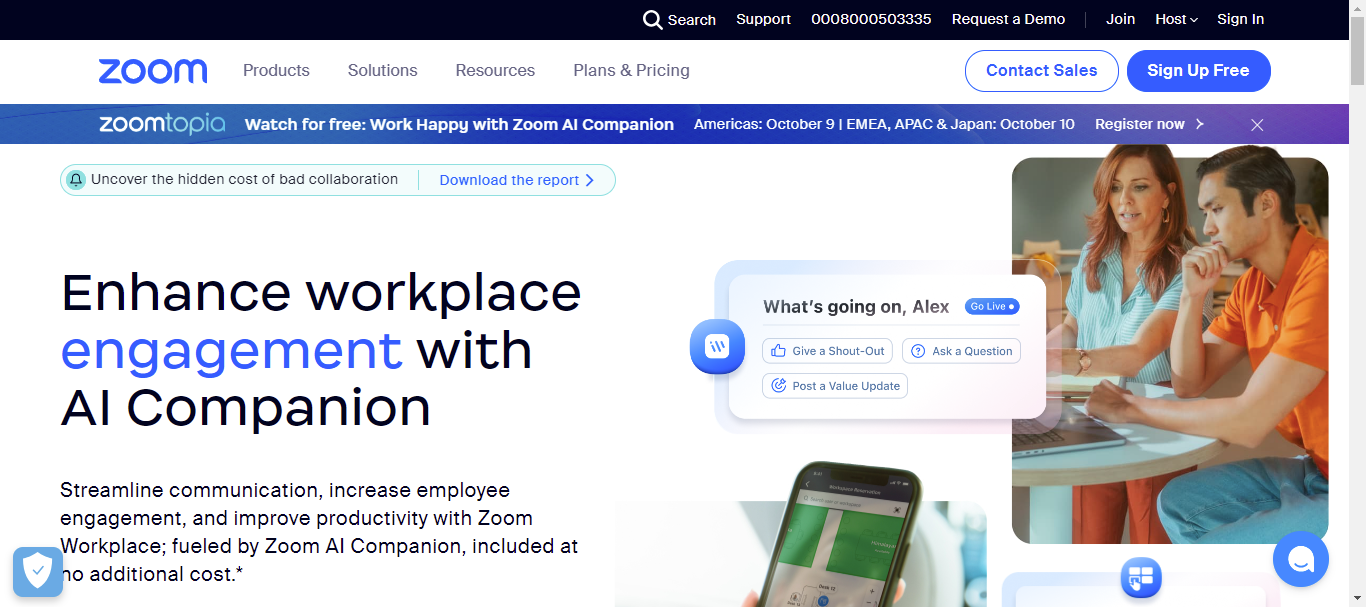
Zoom is primarily known as a web conferencing tool. It is a cloud-based video conferencing software solution that enables organizations, firms, companies, and education sectors to perform web meetings and collaboration in real-time.
They start with a free option that allows 100 participants per meeting. It includes functionalities such as HD video and audio, enterprise cloud phone system, and chat serviceability.
Best For: Brief joint meeting that needed a robust screen-sharing potential.
Pros:
Share multifunctions screen
Multi calendar integration
Annotation tool
720p HD video
Continuous improvement in security
Unlimited meetings
Scalable platform
The excellent webinar reporting feature
Cons:
Chat could be a little more advanced
Security issues
Customer support issues due to rapid growth
Expensive
Too many plans option
2) Google Meet
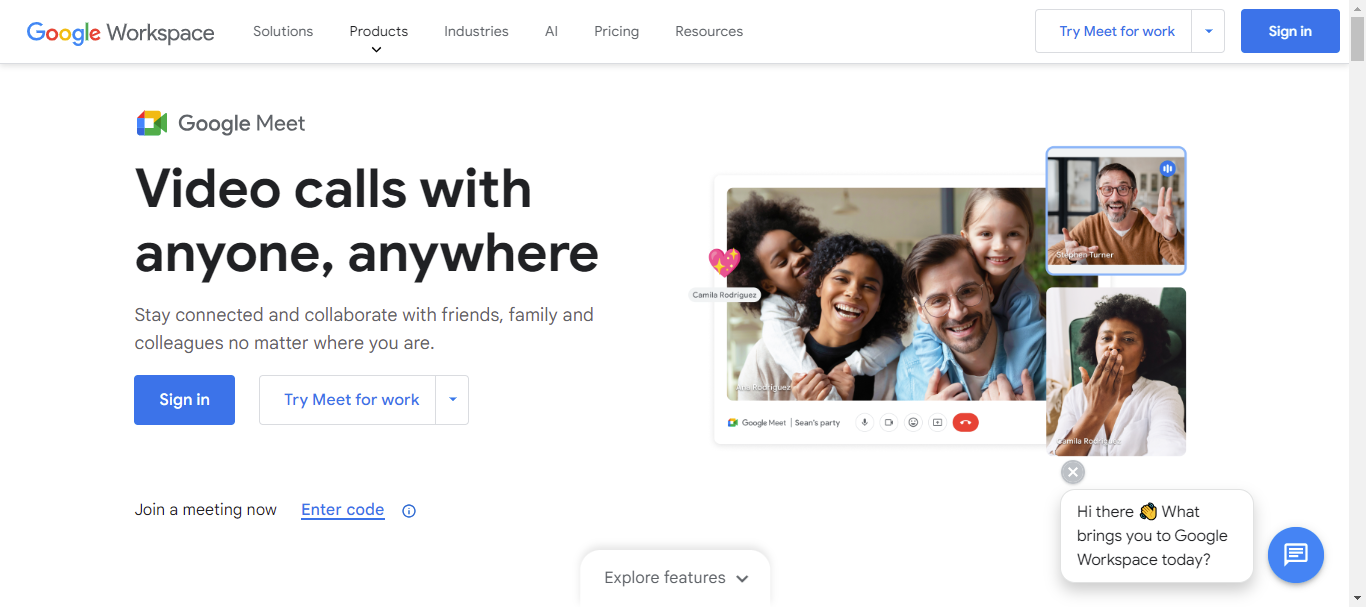
Google Meet allows small to large businesses to make communication and collaboration possible via chat, message, and video call.
If you want to use Google Meet, you need a subscription to the existing G-Suite. This video conferencing software includes features such as offline message and video sharing, device synchronization, notification, and availability indicators.
Best For: Existing G-Suite users who want a reliable web conference tool without an additional cost.
Pros:
Free of cost for G-Suite users
HD Video
Documentation sharing
It is seamlessly integrated with all Google products
Emojis and GIFs
Strong Security
Private chat
Cons:
Screen Sharing Restrictions
They should allow connecting more than 100 users
Does not support desktop application
The Maximum limit of a single conference is only 40 minutes (free plan)
Click Here for Google Meet Pricing
3) Dialpad Meetings

Dialpad Meetings (formerly UberConference) is a video conferencing software developed by VoIP provider Dialpad.
This web conference solution helps every business to share information through messages, videos, and voice. Joining the video conference in the Dialpad Meetings tool is quite easy as compared to the other applications.
It includes features such as call control, document sharing, custom hold music, international calls, and call recording.
Best For: Companies that are searching for browser-based solutions and have less than 10 participants in a single conference.
Pros:
HD audio and video
Screen Sharing
High security
Call recording
No downloads required
Cons:
Allow only 10 participants in a single conference for a free conference
45 minutes is the maximum time limit for a free user
The PIN is required to join the conference until you don’t become a paid user
It is supported only on web-based and Android devices.
Click Here for Dialpad Meetings Pricing
4) Skype
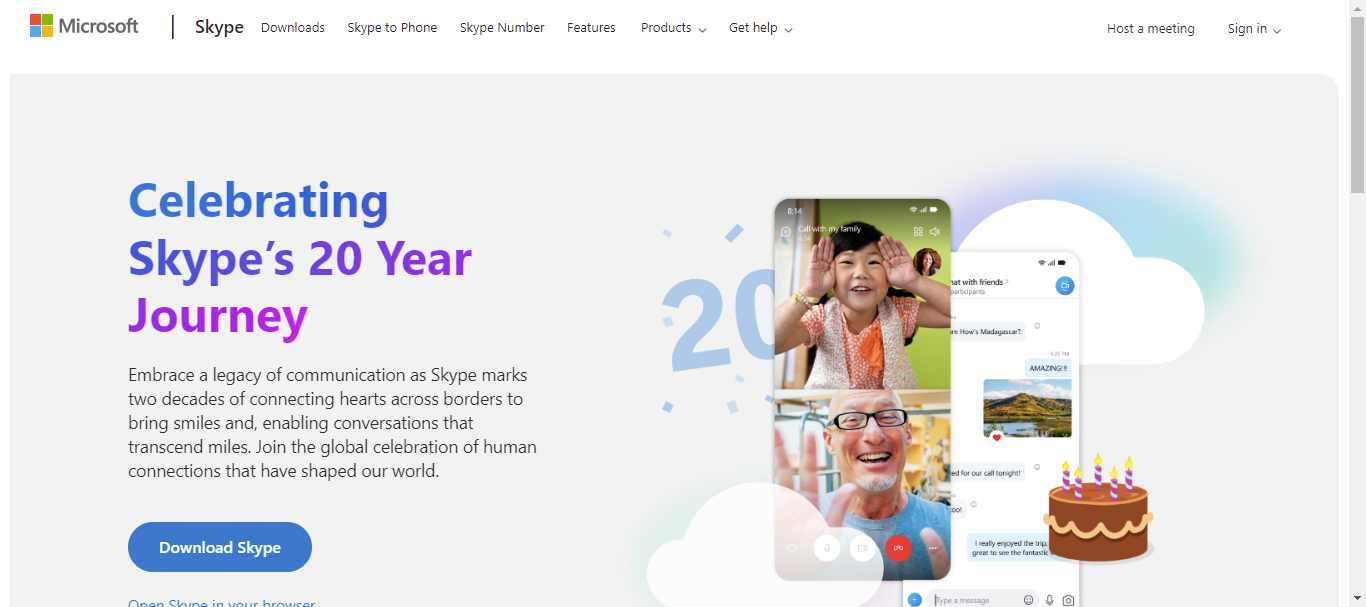
Skype is one of the most used video conferencing software, and it has over a million users.
Free users are able to host the group video call with a maximum of 25 participants.
Skype includes different features such as private chatting, audio, and HD video calling, call recording and live subtitles, screen sharing, customized participants’ views, and PowerPoint presentations.
Best For: Existing Microsoft Office 365 subscribers or the company who is searching for widely used robust video conferencing software.
Pros:
10 language voice translation
For text translation, 60 plus languages supported
Secure and confidential video conference
The conference is for unlimited minutes
Easy setup
In 2023, Skype added the Bing AI chatbot
25 participants is the maximum limit for a group conference
Cons:
High bandwidth required
The 250-person conference is locked for those who subscribe to Office 365
5) RingCentral Meeting
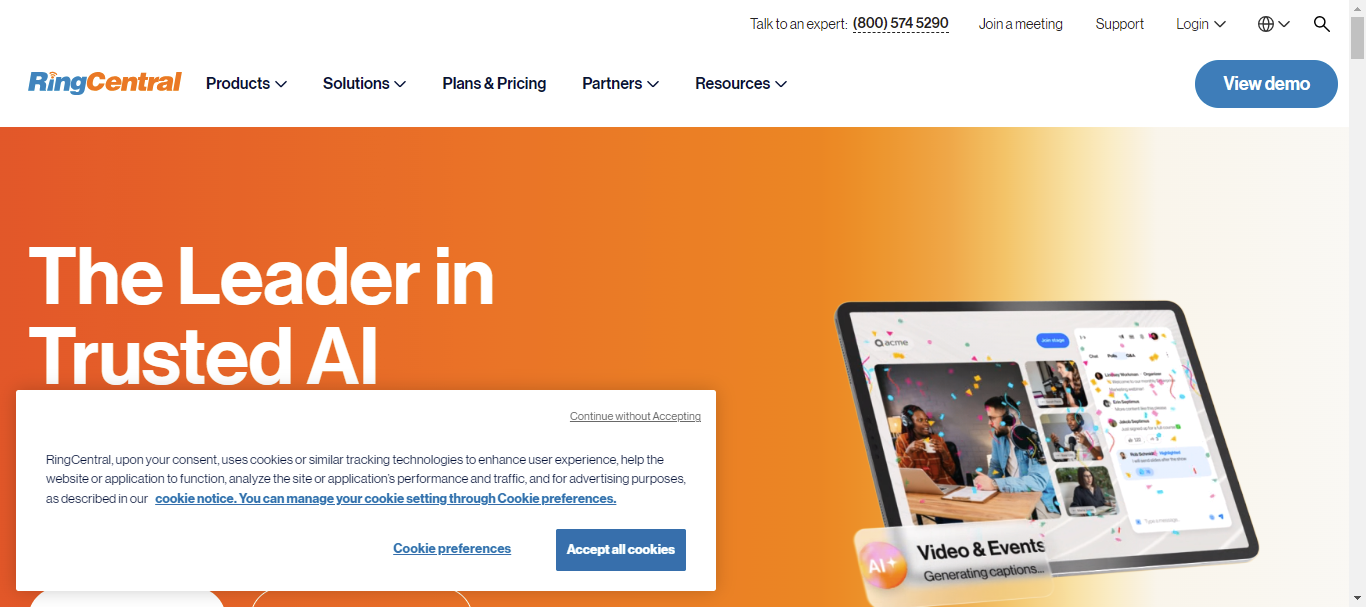
RingCentral is a cloud-based video conferencing software that provides video and audio conferences.
It is an integrated mobile-based phone system that helps users connect through a variety of devices, namely cell phones, tablets, desktops, and smartphones. It also has integration with Salesforce CRM, Box, DropBox, and Google Docs.
RingCentral’s core features include conferencing, auto-recording, unlimited calls for locals, internet fax, and internationals.
Best For: For the users that want to connect to the conference through landline on their desks.
Pros:
Screen sharing capability
HD video and audio
Private and group chat
Device capability desktop, landline, and PC
Call recording and forwarding
Cons:
40 minutes maximum limit of a single conference
Uncutamzie conference call greeting message
Click Here for RingCentral Pricing
6) Cisco WebEx
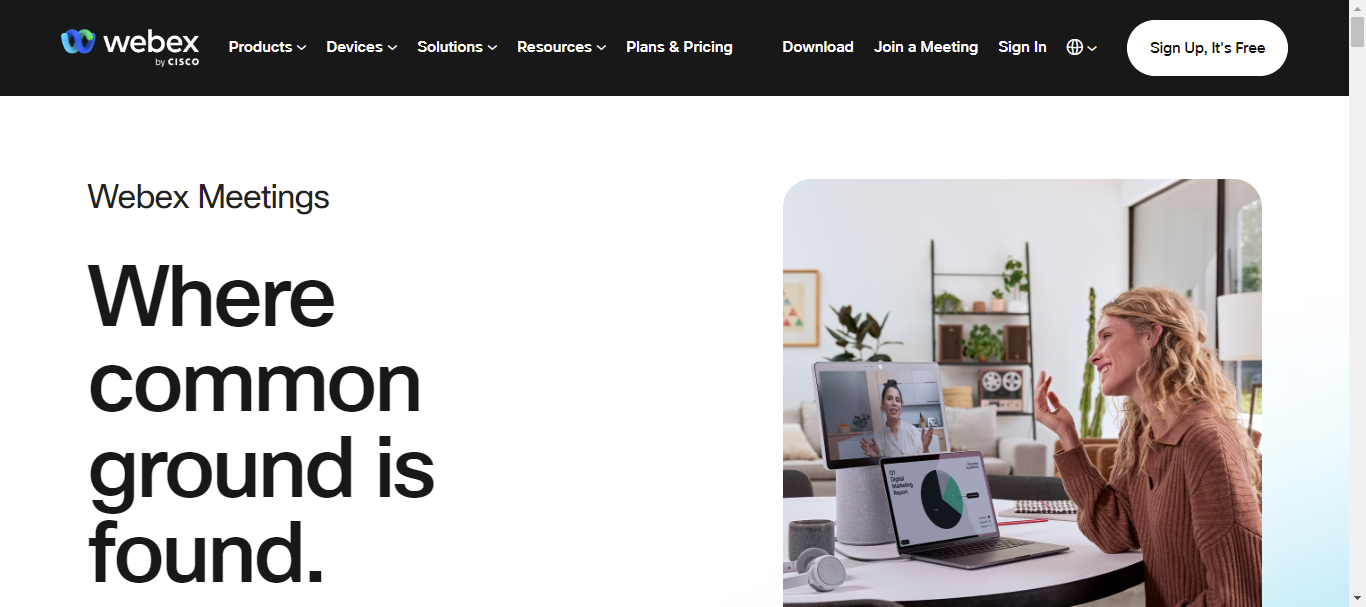
Cisco WebEx is one of the well-known video conferencing software that permits users to connect virtually through HD video and audio. This product was developed by a global technology leader, Cisco.
It helps users from different parts of the world to communicate and collaborate online. It is a cloud-based software. Hence, users can join the meeting through any device, such as a desktop browser, mobile, tablet, etc.
Cisco WebEx provides many features, namely application sharing, screen sharing, real chat, record and playback ability, two-way audio and video conference, etc.
Best For: Designed for businesses of all sizes. Perfect for meeting the requirements of around 100 people who prefer HD solutions.
Pros:
Screen sharing ability
Recording capability
Has the ability to control the audio of the audience
Integration to Outlook and Office 365
HD video
Share applications, documents, presentations, and desktop PCs in real-time.
Unlimited meeting
Cons:
One login per license
Phone support is not available for free plan users
A free trial is only for 14 days
Not HD audio
Click Here for Cisco WebEx Pricing
7) Microsoft Teams
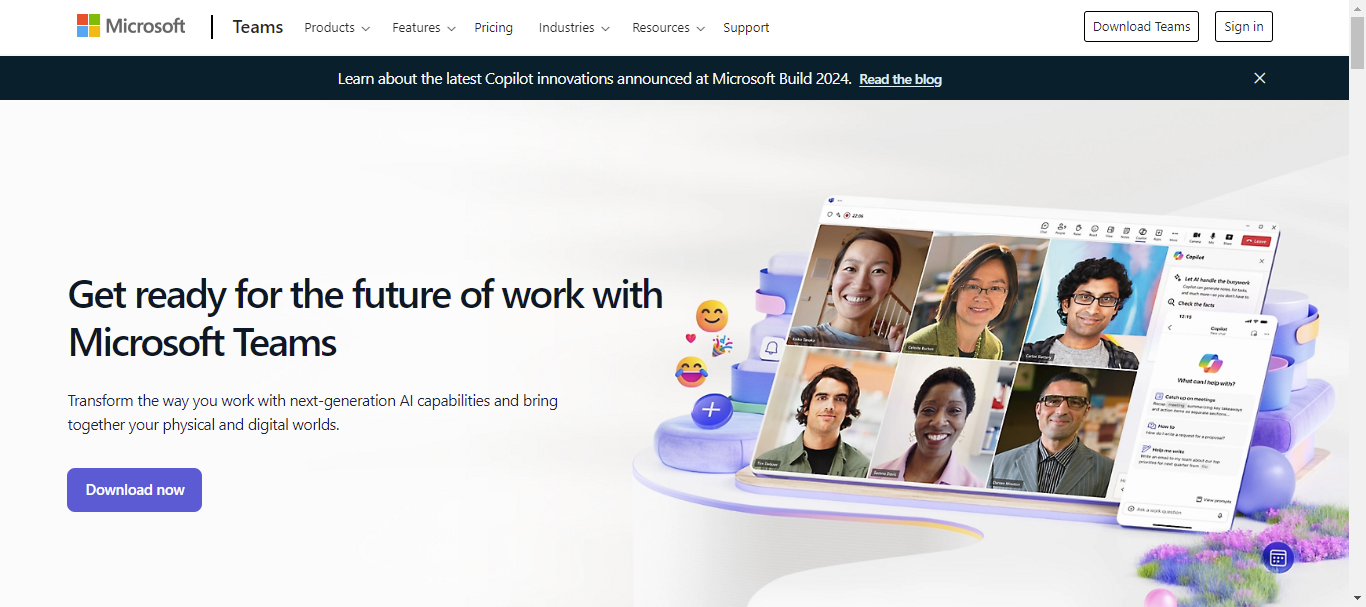
Microsoft Teams is a combination of video conferencing software and team collaboration tools. It allows Office 365 users to conduct calls and share files through SharePoint.
It fully integrates all Microsoft Office 365 services. Microsoft Teams is a cloud-based software that offers many features such as channels and teams, chat functions, document storage, online video conferences, screen sharing, audio conferences, etc.
Better For: The users who subscribed to Office 365.
Pros:
Screen sharing feature
No additional cost for Office 365 users
File search, backup
Personal chat
Help full bot
Document storage in SharePoint
Calendar and Outlook integration
Voice mail
Channels and groups
The maximum limit for the group at the conference is 250 people at a time
Cons:
Useful only for the user of Office 365
A limited number of channels
Free plan users can not record the meeting
Click Here for Microsoft Teams Pricing
8) Zoho Meeting
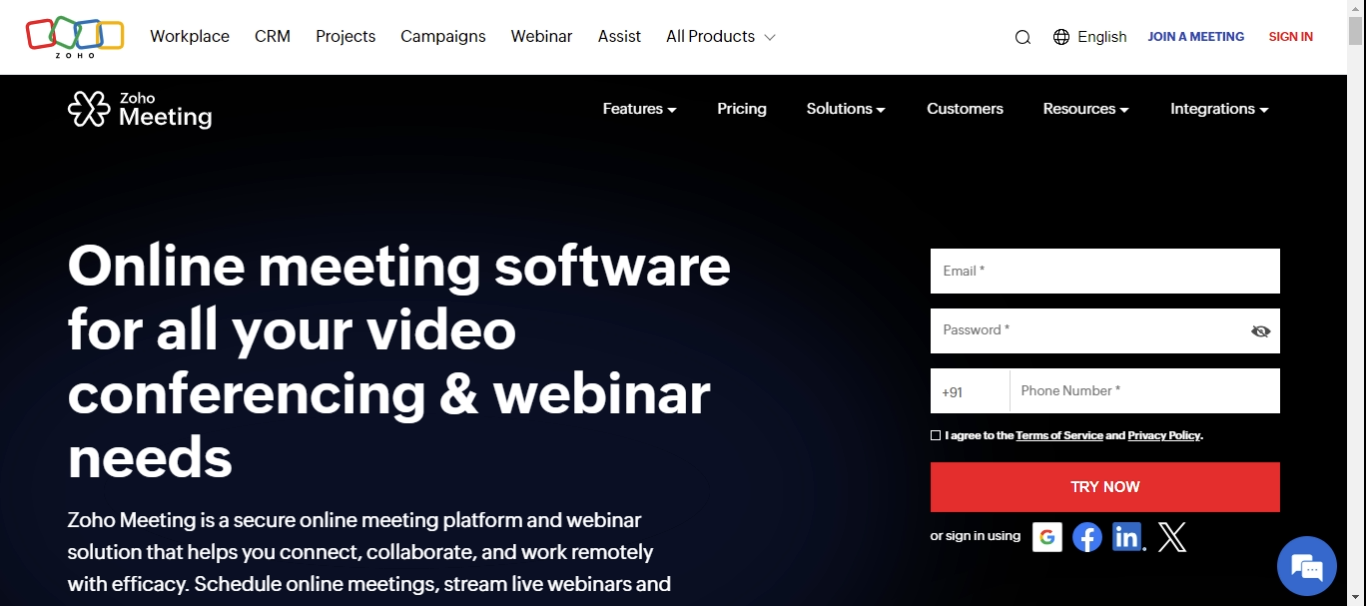
Zoho Meeting is an online meeting software suitable for single users and organizations. It offers free video conferencing for up to 60 minutes with 100 participants.
It provides features such as adding co-hosts, virtual backgrounds, and whiteboards to experience seamless free video conferencing calls with your teammates.
Best For: The users or small teams who want to be able to host unlimited video and audio conferences
Pros:
The maximum limit for the group of the conference is 100 people at a time in the Free version
Stream live webinars
Unlimited Meetings
Real-time collaboration
Organization management
High security and privacy
Screen and webcam sharing
Browser-based (No downloads required)
Cons:
Not suitable for live webinars with a large number of people
Managing multiple audio streams at a time is difficult
Recording quality can be hit-or-miss
Calendar invitations need improvements
Click Here for Zoho Meeting Pricing
9) ClickMeeting

ClickMeeting is a video conferencing software platform that lets users host video meetings, conferences and webinars. It works for individuals holding calls with fewer people or organizations hosting online events for thousands of people due to its scalability.
It gives you the facility to give your presentation to a broader audience of up to 1000 attendees in real-time.
Better For: The individuals and small or large teams can use it
Pros:
Free trial is available for 30 days
Easy to use
HD quality
Screen sharing
Polls and surveys
Breakout rooms
Multilingual chat
Strict Security
Unlimited events allowed
Cons:
The “Raise Hand” tool is not available as a separate feature
Not ideal for large companies
Audio issues
Click Here for ClickMeeting Pricing
10) GoTo Meeting
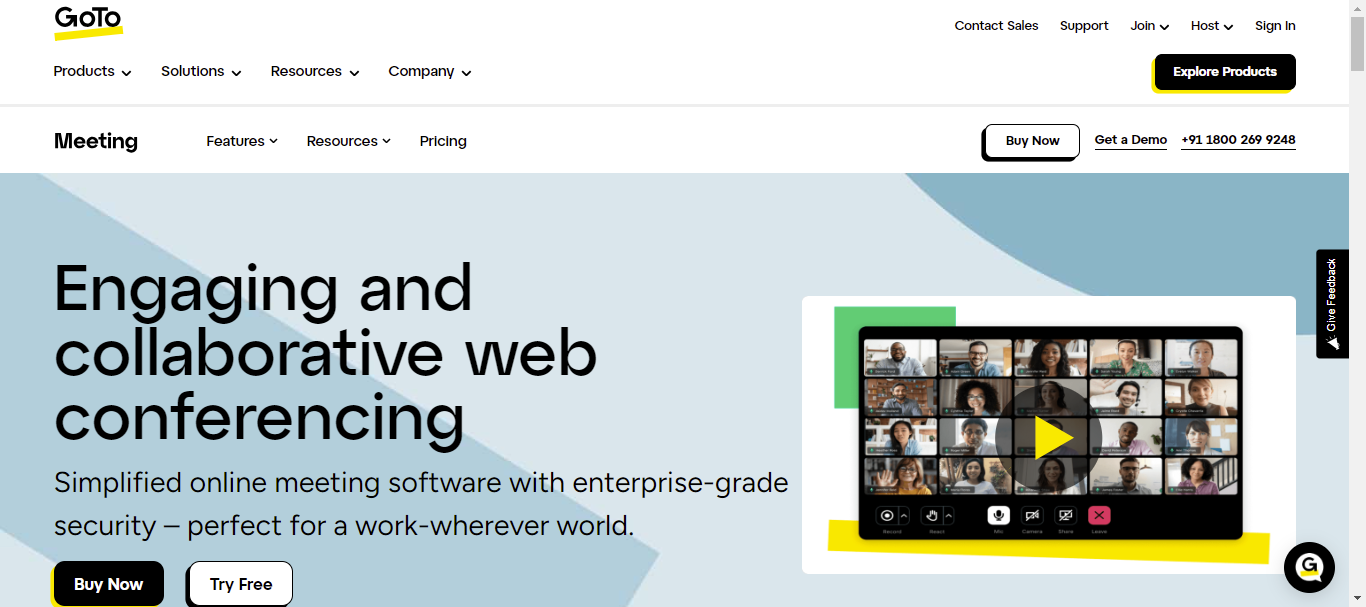
GoTo Meeting is a web conferencing platform that hosts HD video meetings for a maximum of 250 attendees. This software facilitates online meetings, desktop sharing, and video conferencing software packages with Business Messaging collaboration.
Better For: People more interested in meetings, GoToMeeting remains a top player in that specific niche.
Pros:
Crystal clear audio with background noise suppression
Serious security
Mobile conferencing
Drawing tools
HD-video
Available in 190+ countries
Encrypted sessions
250 attendees max. allowed
Closed Captioning
AI Meeting Summary
HIPAA Compliant
Cons:
No free plan is available
Lacks whiteboard functionality
The meeting lock feature is not available in the pro plan
Click Here for GoToMeeting Pricing
Final Thoughts for Top 10 Video Conferencing Software for 2025
We conducted in-depth research on all the tools mentioned above and gathered information to assist everyone in need. However, choosing the best tool from the list depends entirely on your specific requirements.
Every video conferencing software is developed with some common features that should be considered while comparing the various video conferencing tools.
The common features are Screen sharing, text chat, call recording and forwarding, file shortage, and mobile apps. Choose the one that matches your needs and requirements.
Choosing better video conferencing software has become essential for businesses, especially during the pandemic, which is stopping employees from being together physically.
We hope this article will help you select the best video conferencing software for all your meeting needs.
May your next Virtual Meeting be your best one yet!